-- creators online
Zero-compression TikTok uploads
Qualitymax
TikTok crushes your clip on upload. This stops it. No re-encode, no quality loss.
Send us your finished export. You get the same file back, patched so TikTok can’t compress it.
No re-encode
4K 120 FPS
Unlimited
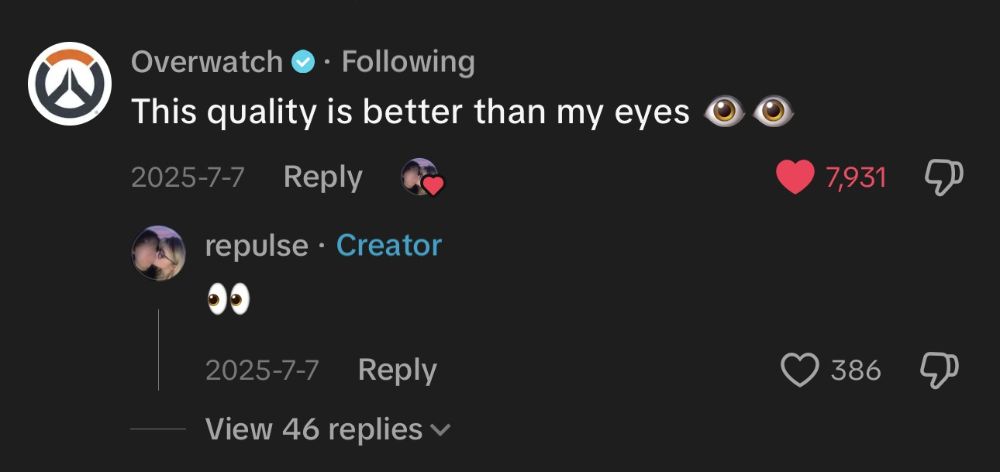
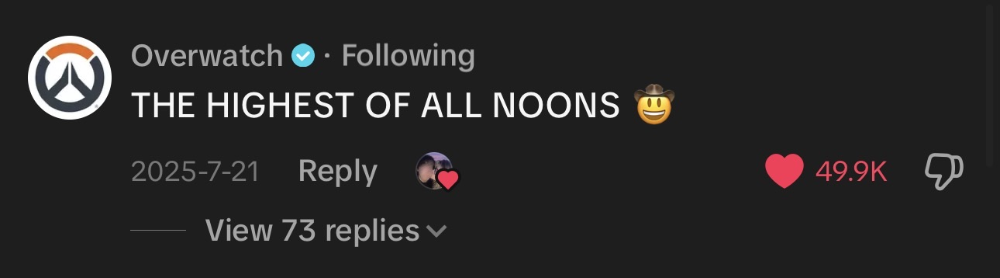
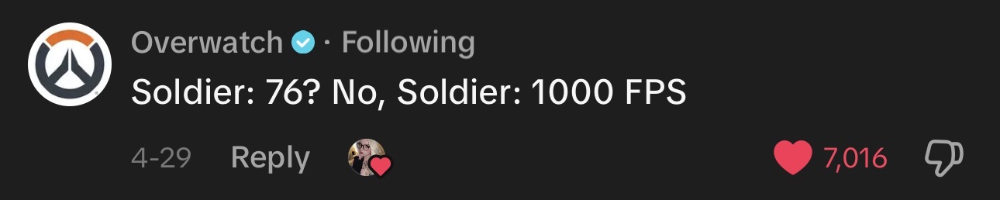
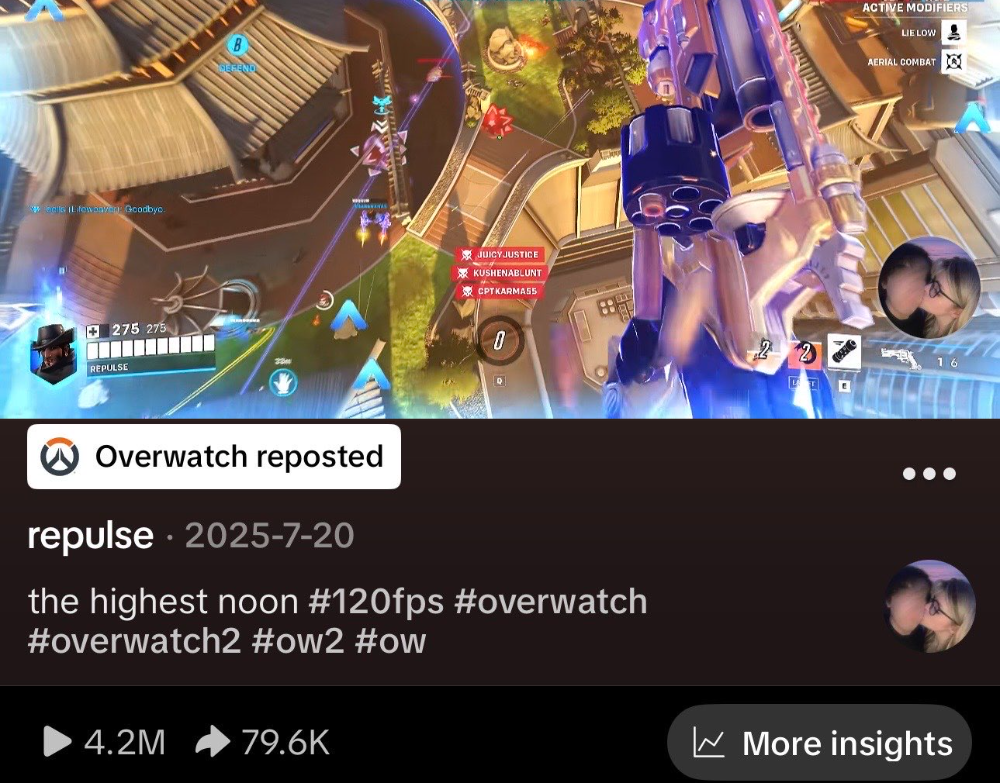
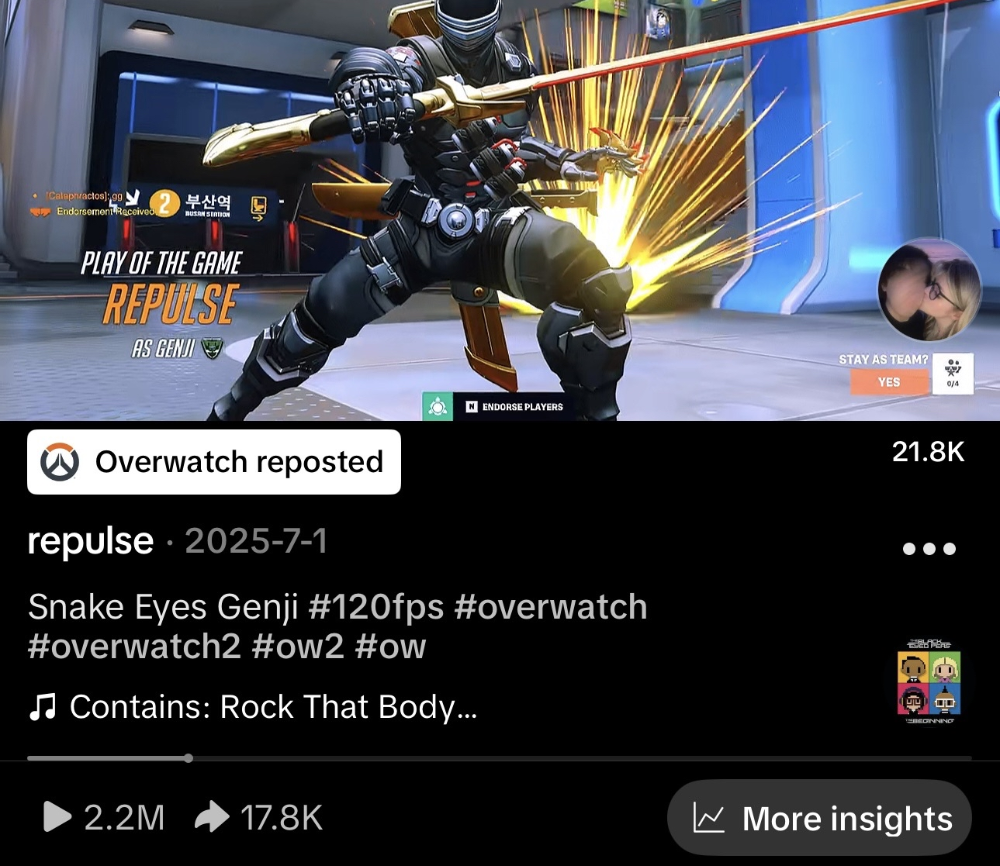
The difference
drag ↔
540p · 30fps · Standard
4K · 120fps · Qualitymax
← Drag to compare →
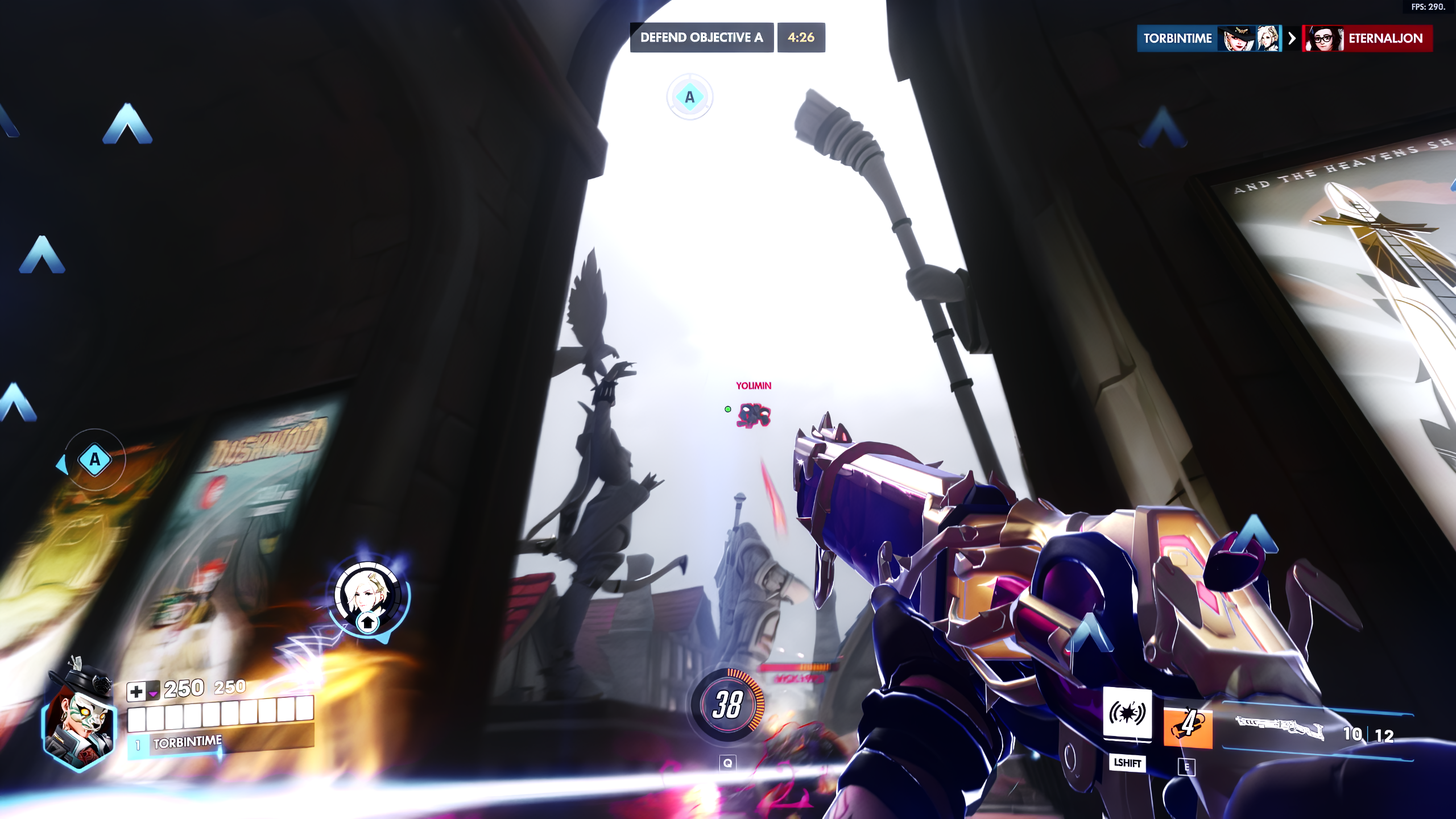
BEFORE
AFTER
STANDARD UPLOAD
540p · 30fps
WITH QUALITYMAX
4K · 120fps
—
clips patched this week
across — creators
across — creators
Same source file on both sides. The only difference is whether TikTok got to re-encode it.
How it works
01
Export
Finish your edit and export as MP4. CapCut, Premiere, console clips, anything.
02
Patch
Upload the clip here and download the patched file. Takes seconds.
03
Upload
Post to TikTok from a desktop browser. Your viewers see what you exported.
Pricing
Zero Compression Methodsubscription
Repulse Quality Packone-time zip
WEEKLY
$4.99/wk
Try one upload
MONTHLYPopular
$14.99/mo
$3.46/wk · save 30%
BOTH PLANS INCLUDE
- Zero-compression uploads to TikTok
- Up to 4K 120fps
- Unlimited patches, no per-file cap
- Cancel anytime
Get monthly access · $14.99
$14.99 billed monthly · cancel anytime
Your email, for the login link
Cash App needs your browser
TikTok can expire the authorization before Cash App returns. Continue in your browser, or switch to card or Link here.
Tap the ... button in TikTok's top right corner, then choose Open in browser. Load this page there and pick Cash App again.
How to open your browser
Use card or Link here
Subscribe · $14.99
By subscribing you authorize recurring charges to your chosen payment method until you cancel.
Access is live the moment you pay. Cancel anytime from the billing portal.
Payhip secure
Cancel anytime
Instant access
120 FPS Quality Settings
+ Full TikTok Editing Guide
+ Full TikTok Editing Guide
DaVinci Resolve required · free
Pay once, keep forever
$29.99
$39.99
The exact workflow behind 80M+ views, start to finish.
WHAT'S INSIDE
Color correction presets. Cinematic color that pops on a phone instead of flat, washed out gameplay.
Custom 120 FPS Patcher. Bypasses TikTok's 30 FPS compression so your uploads stay smooth at full framerate.
Editing tutorial. The full TikTok ready workflow: 9:16 formatting, blurred background, clean text captions.
Step by step walkthroughs. Recording, color grading, editing and uploading.
Topaz Video AI settings. The exact settings behind millions of views and tens of thousands of followers.
Recording settings. The OBS setup we use for clean, high bitrate source footage.
BONUS
The full project file from our 3.8M view Ashe "Worry" edit, including the pink lyric text overlay. Drop your own clips in and make it yours. Clips not included.
 The edit itself3.8M views, made with this exact workflow.
The edit itself3.8M views, made with this exact workflow.
Discount ends in
00:00:00
Get the bundle $29.99
$29.99 once, no subscription
Pay with card
Your email, for the download link
Cash App needs your browser
TikTok can expire the authorization before Cash App returns. Continue in your browser, or switch to card or Link here.
Tap the ... button in TikTok's top right corner, then choose Open in browser. Load this page there and pick Cash App again.
How to open your browser
Use card or Link here
Buy now · $29.99
REQUIREMENTS
A PC or laptop. OBS Studio (free). DaVinci Resolve. Topaz Video AI optional.
Payhip secure
Instant download
Lifetime access
Already subscribed?
We'll email you a one-tap login link.
Questions
Compatibility
Does this work with CapCut exports?
Yes. Export as MP4 from CapCut, upload it here, done.
Does this work with console clips?
Yes. Transfer the clip from your PS5 or Xbox to your PC first, then upload it here. Same process as any other MP4.
What framerate and resolution does it support?
Up to 4K 120fps. For the most reliable uploads, 1080p 60fps is still the easiest default.
What you need
Do I need a PC, laptop, or Mac?
Yes. TikTok's upload page requires a desktop browser. Mobile browsers don't support the upload flow even in desktop mode.
Billing & access
What payment methods can I use?
Apple Pay, Google Pay, Link and any debit or credit card. Everything is handled on this page, you never leave the site to pay.
Can I cancel anytime?
Yes. Cancel and you won't be charged again. Your access stays active until the end of the period you already paid for, then stops.
How do I cancel my subscription?
Log in with your email, then tap manage billing in the top bar to open the billing portal and cancel. Access ends when the subscription does. If you originally subscribed through Payhip, cancel from your Payhip account instead.
How do I log back in?
Enter your email above and a login link lands in your inbox instantly.